Little Safeguard reminds you to check your back seat every single time you leave your car — automatically, without you having to think about it.
Just $0.83 / month, billed yearly at $9.99 — less than a cup of coffee
🚗 Requires a car with Apple CarPlay or Android Auto
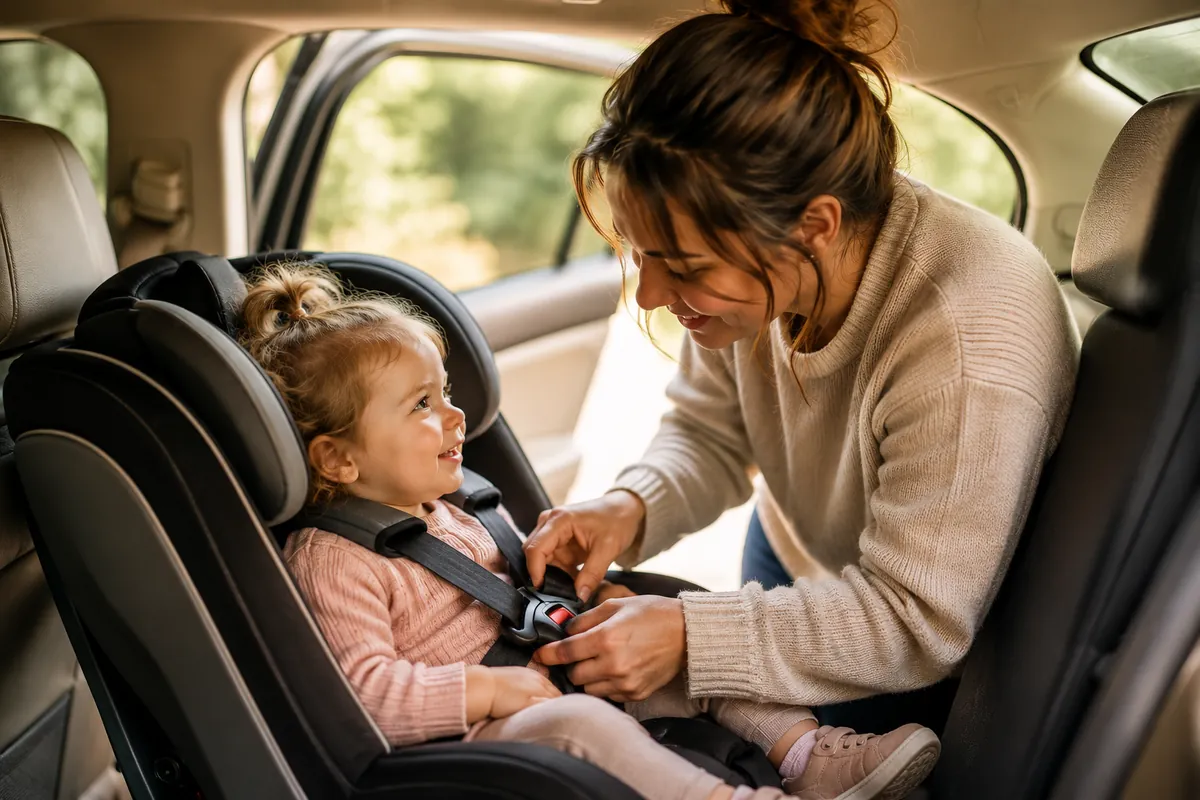
Every parent believes it could never happen to them.
Source: NoHeatStroke.org and the National Highway Traffic Safety Administration (NHTSA).
No complicated setup. Set it up once, answer one quick question when your drive starts, and Little Safeguard takes care of the rest — every single trip.
Little Safeguard detects through Apple CarPlay or Android Auto when your drive begins. You let it know if there's a child in the car and the app will do the rest.
The moment your drive ends, Little Safeguard triggers an immediate reminder to check the back seat — with a voice announcement and an alert on your phone.
Tap ACKNOWLEDGE to confirm you've checked. The reminder stops. Your child is safe. It takes one second.
When your drive ends, Little Safeguard sounds an alert and repeats a voice announcement every 10 seconds — loud enough to be heard, hard to ignore.
The reminder keeps going until you tap ACKNOWLEDGE — confirming you've checked the back seat.
Little Safeguard was built to be effortless. No daily setup and nothing to remember to turn on — just one quick answer when your drive starts. It runs quietly in the background every trip — until you need it.
All announcements and alerts are available in 8 languages — so every family, everywhere, can be protected.
Everything you need to know to get set up.
On iPhone, a one-time Shortcuts setup lets Little Safeguard run automatically every time you connect to or disconnect from Apple CarPlay - even when the app is closed. Without it, iOS won't let the app start on its own when your drive begins and ends. Setup only takes a minute - choose your iPhone's iOS version, then follow the written guide or watch the short video.
iOS 26 and earlier
Not sure which version you have? On your iPhone, go to Settings > General > About and look at iOS Version.
No. The Apple Shortcuts setup is unique to the iOS app to work around Apple's restrictions on apps running in the background. On Android, Little Safeguard works automatically once installed - no extra setup required.
Yes. Little Safeguard uses your car's Apple CarPlay (iPhone) or Android Auto (Android) connection to know when a drive starts and ends. If your car shows CarPlay or Android Auto on its screen when your phone is connected, Little Safeguard will work, including with aftermarket car stereos that support them. Cars without CarPlay or Android Auto are not supported.
Little Safeguard is $9.99/year (about $0.83/month), or $1.99/month if you'd rather pay monthly. The yearly plan includes a 7-day free trial, so you can try it risk-free.
No. Little Safeguard is built to run lightly in the background — it only becomes active around your drives, so it has a minimal impact on your battery.
No. The Little Safeguard app doesn't show ads or collect your personal data — ever. It's built purely to keep your family safe, not to track you. See our Privacy Policy for details.
The alert and voice reminder will keep repeating every 10 seconds until you tap ACKNOWLEDGE - it's designed to be persistent, not easy to miss or dismiss by accident.
The voice announcement plays through your phone's media audio, so it's heard even when your ringer is on silent, and it works when your phone is locked. Do Not Disturb and Focus settings vary from phone to phone, so if you use them, we recommend doing one short test drive to confirm the reminder comes through.
While unlikely, if you ever receive a false announcement, simply tap ACKNOWLEDGE - this immediately stops all notifications and announcements for that trip.
Still not working? Contact us and we'll help you get set up.
If your music stutters after Little Safeguard asks whether a child is in the car, close and reopen your music app. To avoid it, start your music after you answer the Little Safeguard question.
Subscriptions are managed by Apple or Google, so you cancel through them. Deleting the app does not cancel your subscription.
Cancel at least 24 hours before your renewal date to avoid being charged for the next period. You keep access until the end of the period you already paid for.
Your subscription belongs to your Apple ID or Google account, not to your phone. Sign in to your new phone with the same account you subscribed with, install Little Safeguard, and your subscription comes with you. On iPhone, remember to redo the one-time Shortcuts setup on the new phone. If the app still asks you to subscribe, contact us and we'll sort it out.